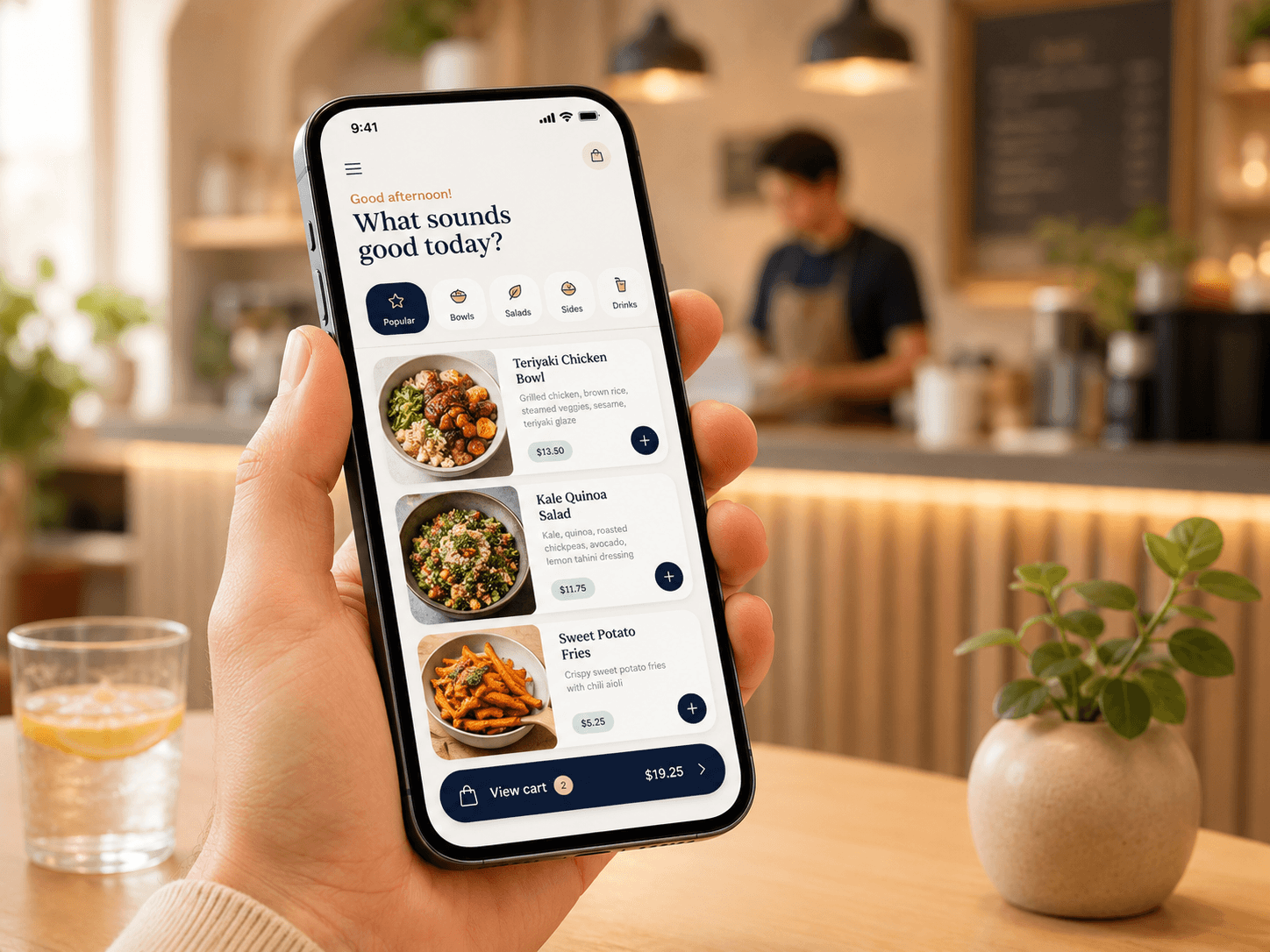
Step 01
Share your ordering page
Customers open your branded menu from a link, QR code, or table and start browsing on mobile.
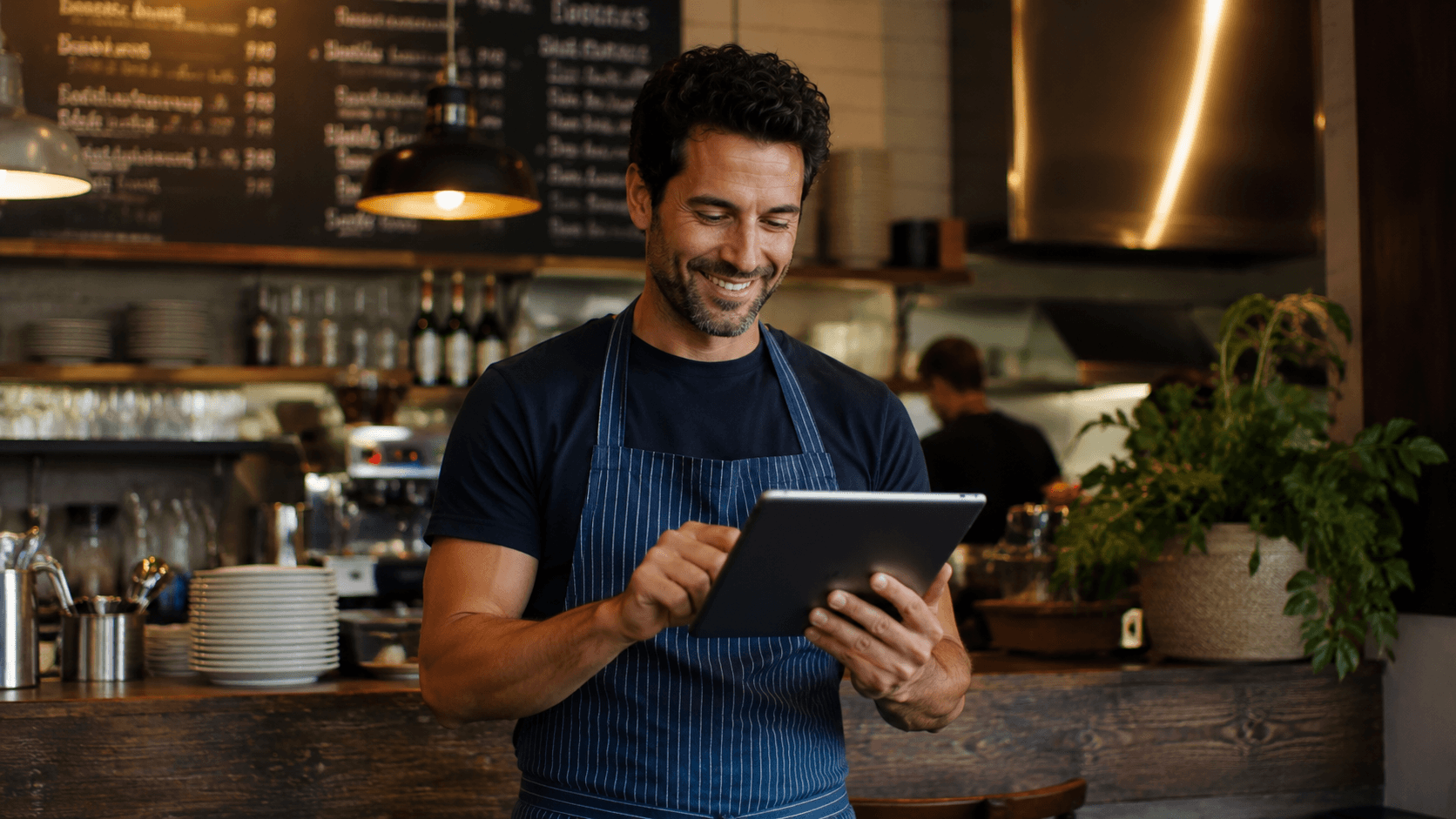
Sell to customers already ordering from restaurants like yours.
How it works
Knekkis connects the customer ordering page, checkout, and restaurant workflow so every order is easy to follow.
Step 01
Customers open your branded menu from a link, QR code, or table and start browsing on mobile.
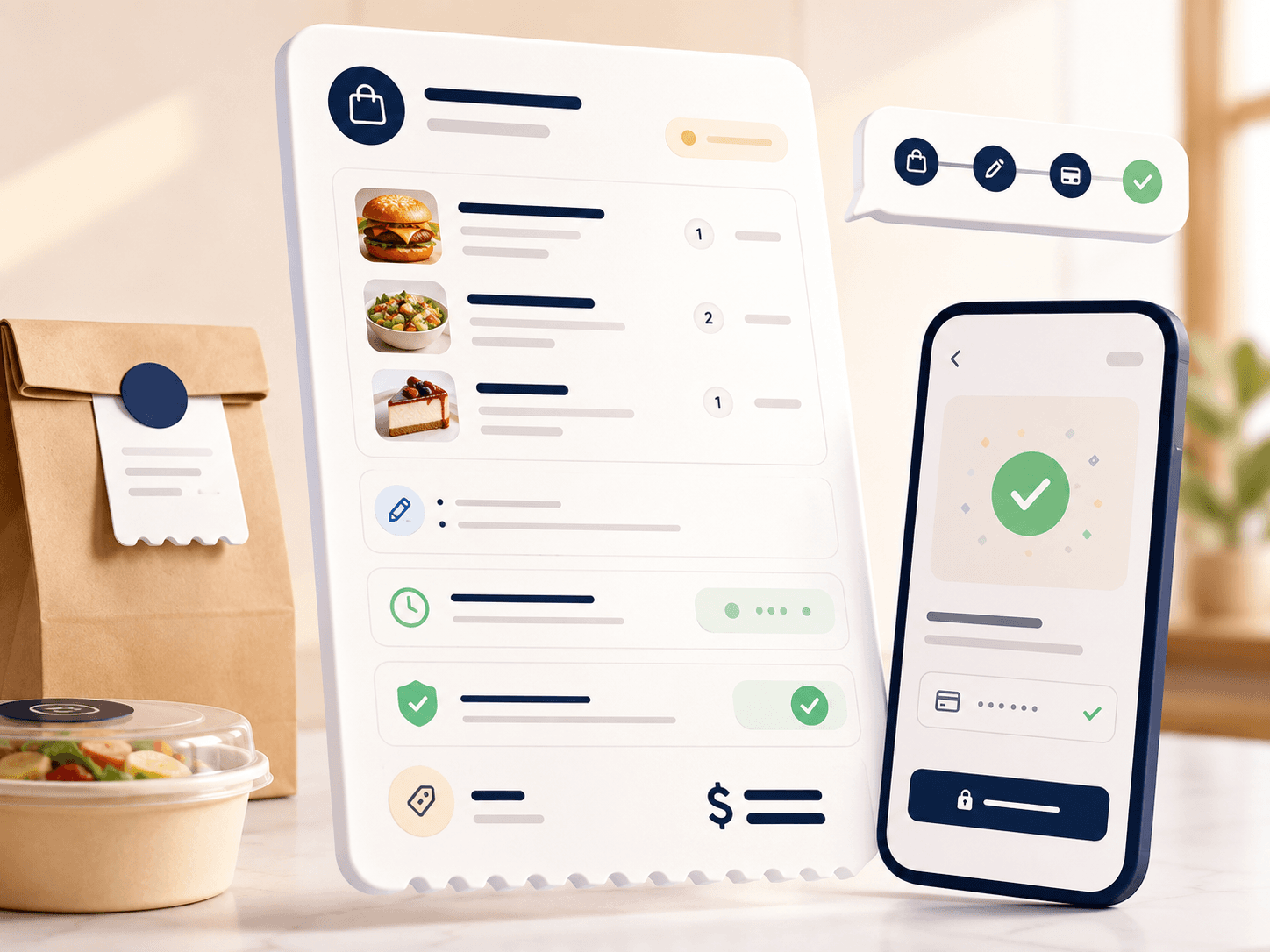
Step 02
They select items, modifiers, notes, handoff details, and payment before sending the order.
Step 03
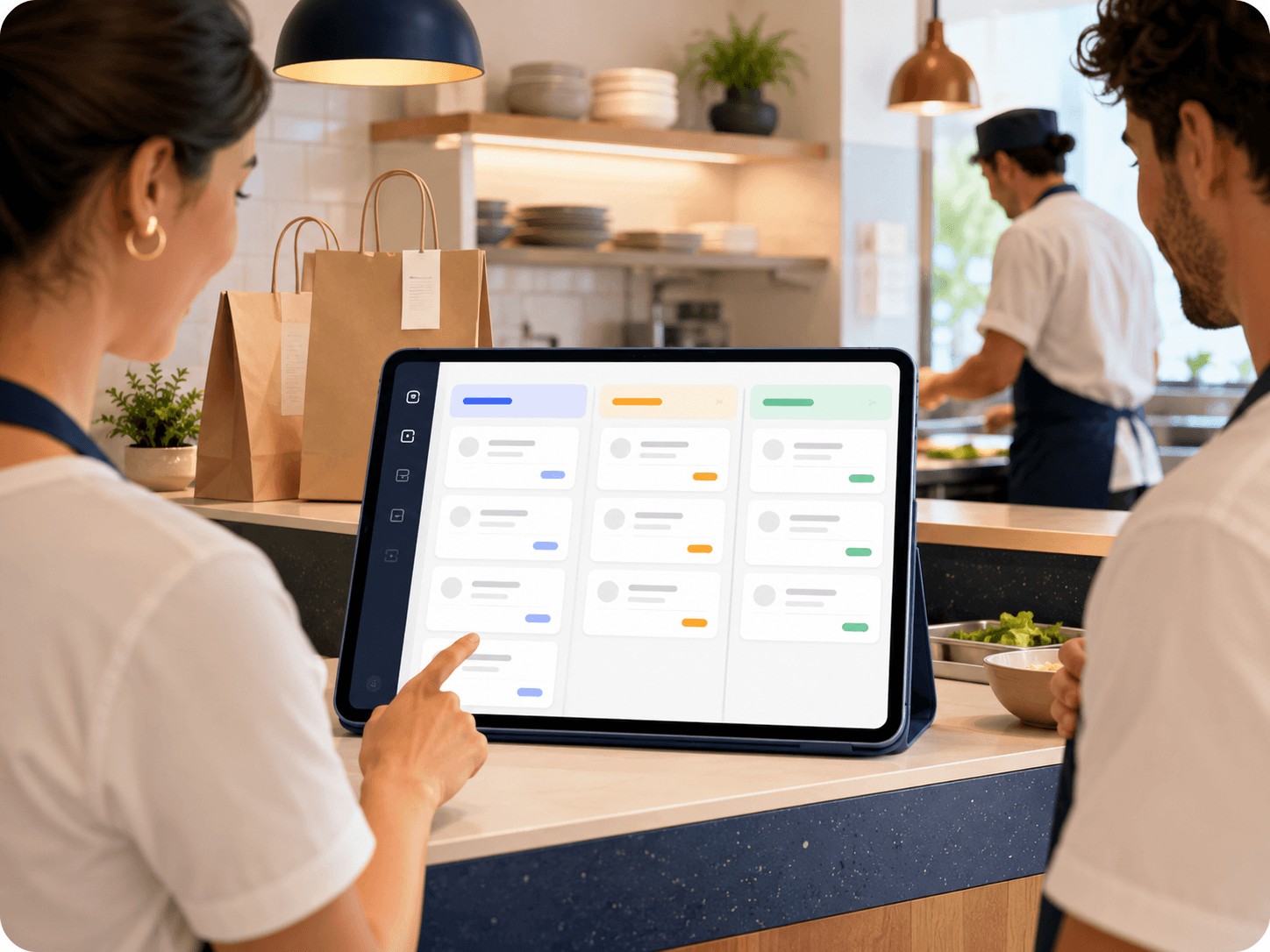
Incoming orders arrive with the details your team needs to prepare, track, and hand off clearly.
The price depends on the number of locations. Contact us for a non-binding offer tailored to your needs.
We collect your restaurant details, menu needs, service model, and payment setup, then help you launch a direct ordering page.
Customers order from your branded page. Your team receives the order with items, modifiers, notes, totals, and fulfillment details.
Yes. The platform is built for organizations, locations, menus, service areas, payments, and prep workflows.
Most teams can start with a focused menu and expand after the first ordering flow is ready.